Photos Prime app icon

Photo & Video · iPhone · iPad

Photos Prime

Ask for any photo.

Coming soon to the App Store

A photo library you ask instead of browse. Type what you want to see, like “Lisbon in 2026” or “flowers”, and every match fills the screen. Your library stays ordinary files you own.
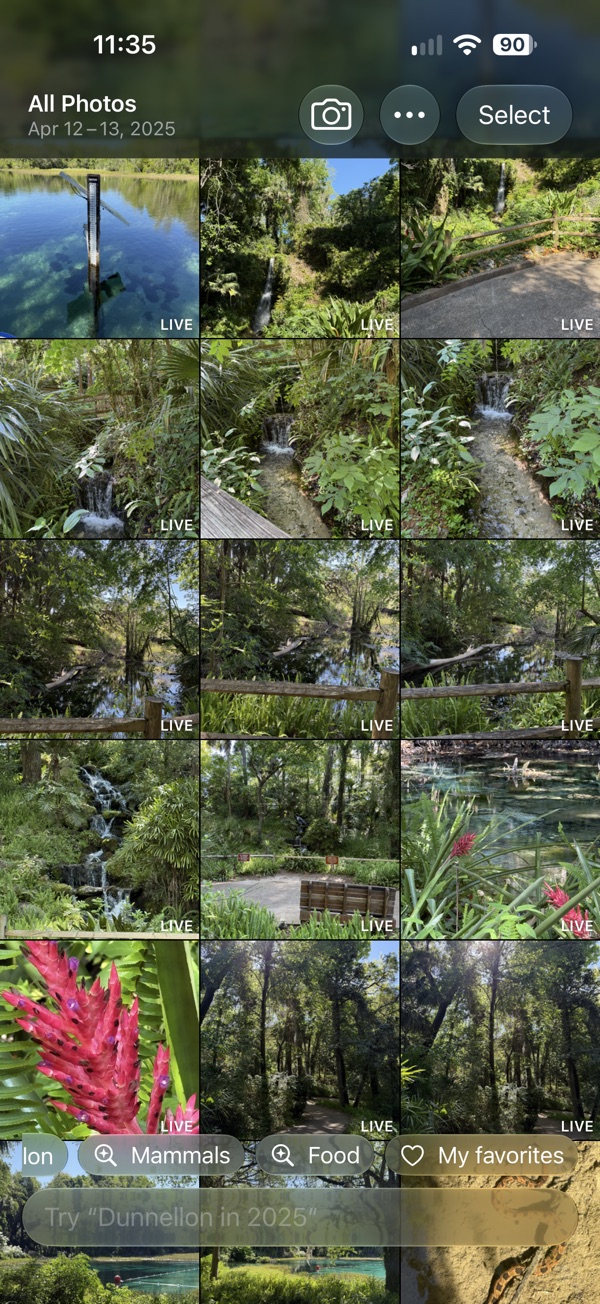
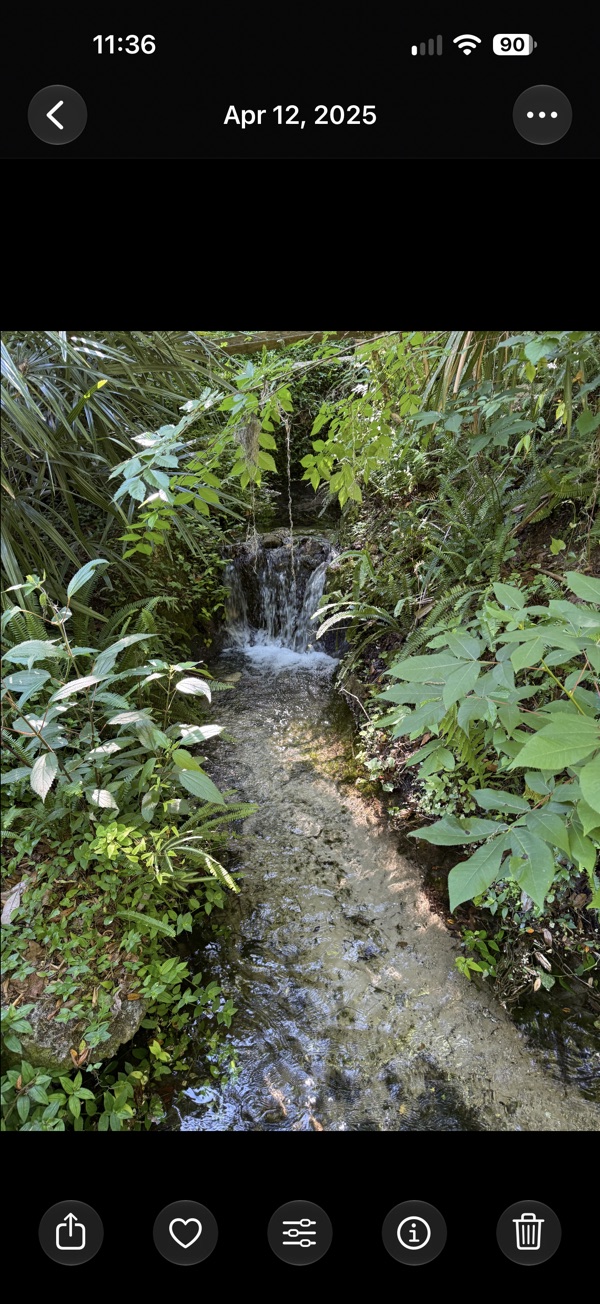
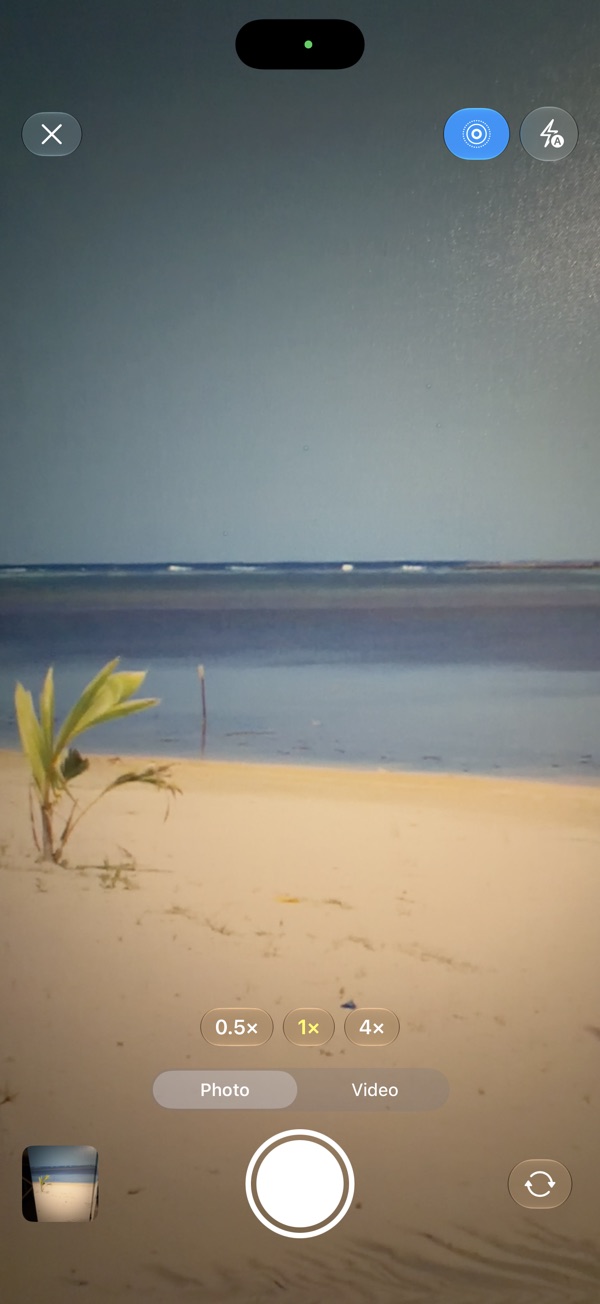
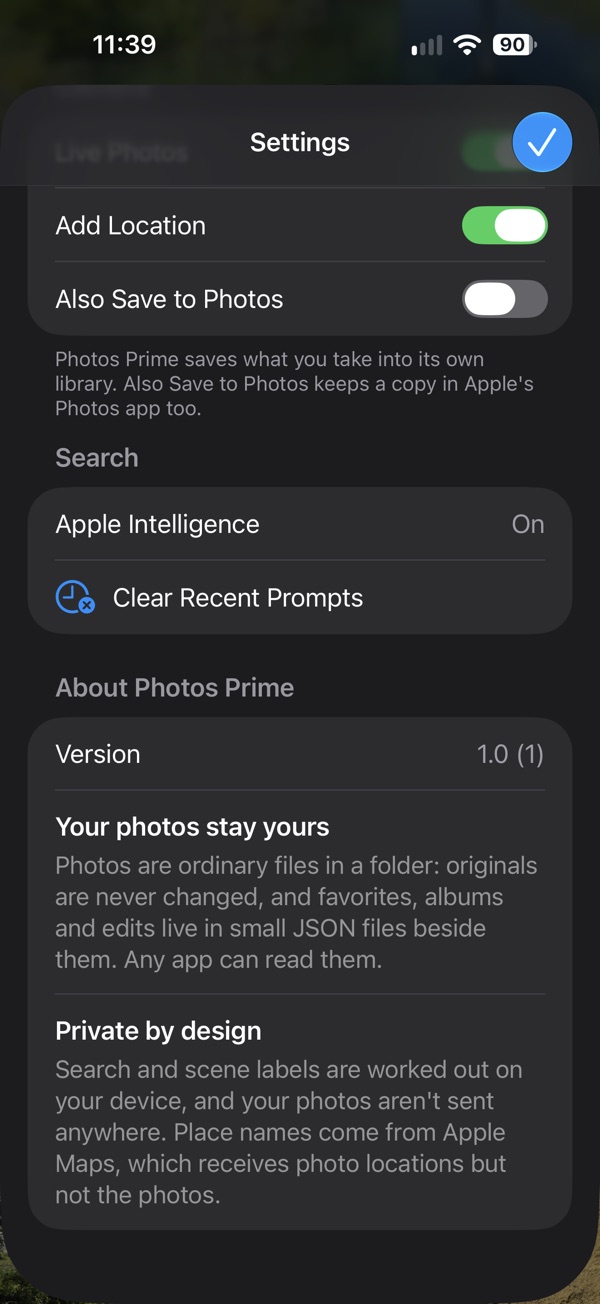
Photos Prime screenshot 1Photos Prime screenshot 2Photos Prime screenshot 3Photos Prime screenshot 4

Ask, don't scroll

  • Search by date, place and what's in the photo: flowers, beaches, dogs, food and more.
  • Smarter, more natural requests with Apple Intelligence. Simple searches work without it.
  • Your photos are read on your iPhone. Nothing is uploaded to search them.

A grid that feels right

  • Every match edge to edge, from one photo across to thirty columns with a pinch.
  • Pinch or double-tap a photo to see the detail.

Your photos are files you own

  • Your library is an ordinary folder of photos, organized by year and month, visible in the Files app.
  • Favorites, edits and other details are saved beside each photo in an open format, so they go wherever your photos go.

Back up to a drive

  • Plug in a USB drive and back up with one tap. Later backups copy only what's new or changed.
  • Restore everything onto a new iPhone from the same drive.

Bring your photos over

  • Import from Apple Photos in one step.
  • New photos from the Camera app appear in Photos Prime automatically.

Edit without losing the original

  • Exposure, highlights, shadows, contrast, saturation, warmth and sharpness, or tap Auto.
  • Crop, straighten, rotate and flip. Open an edit again or revert at any time.

Everything else

  • A built-in camera that saves straight into your library.
  • Hidden photos locked behind Face ID, and Recently Deleted for 30 days.
  • Photo widgets and a camera control for Control Center and the Lock Screen.
Price
Free
Version
1.0
Requires
iOS 27 or later
Category
Photo & Video
Developer
QUIVTEC, LLC

Questions? Visit Photos Prime support. Want an app like this for your business? Let's talk.